Home/Stitchify case study
Case study
Stitchify: turning a long chat into one clean image
Stitchify joins screenshots and photos into a single picture, so a long conversation becomes one image you can share. We designed and built the app, and we run the free tools website and blog that support it.
- Our role
- Product design, app development, website, content and ongoing operation
- Platforms
- iOS and Android app, live on the App Store and Google Play, plus a free tools website
- Built with
- Flutter, Dart and in-app purchases
- Plans
- A free plan with a three-image allowance, and Pro through in-app purchases
The challenge
A screenshot is easy to take and hard to share.
People take a dozen screenshots to capture one conversation, then send them one by one. The recipient scrolls through a pile of fragments and loses the thread. The goal was a tool that turns that pile into one readable image in a few taps.
What we built
Six features for one simple job.
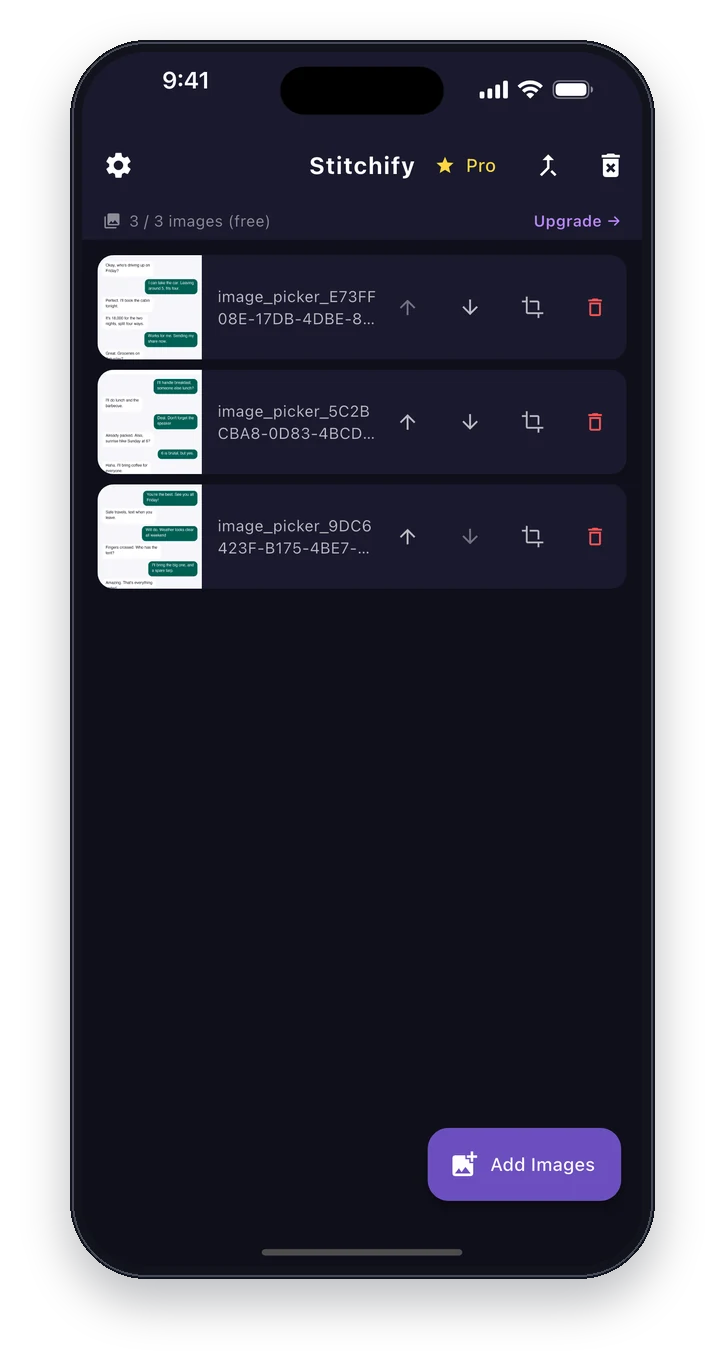
Pick and order your screenshots
Choose several images from your photo library, then arrange them in the order they should appear before you join them.
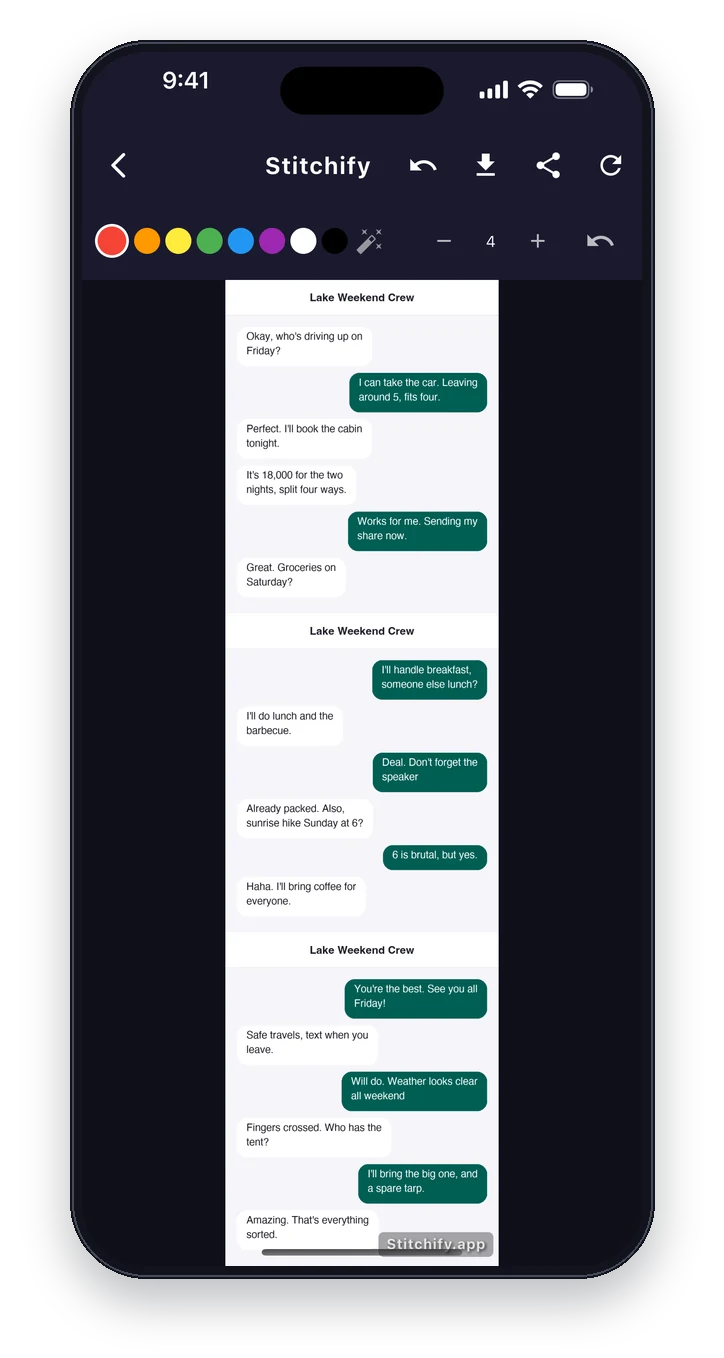
Join them into one image
Stitch the screenshots into one long, continuous picture, ready to save or share.
Crop before you join
Trim each screenshot first, so status bars and extra margins don't clutter the final image.
Simple marking tools
Draw on the result with a choice of colours and line widths, with undo, before you share it.
Save and share from the result
Save the finished image to your photos, or share it directly from the result screen.
Free to start, Pro when you need more
The free plan covers everyday use with a small allowance. Pro is bought through in-app purchases, and restores on a new device.
Under the hood
Built to last, not just to demo.
One codebase, two platforms
Built in Flutter, so iOS and Android share the same editing behaviour and the same design.
Only the photos you choose
Images are picked through the system photo picker, so the app only sees the items you select.
Ready for review
Subscription setup, review notes and privacy details are planned as part of the build, not added at the end.
A website that brings people in
A free tools website, a blog and browser notifications support the app and help people find it.
Checked after every release
Automated checks test the key pages of the website after every deployment.
Screens
What it looks like.
Why it matters
What this means for your project.
A clear promise
Stitchify's job fits in one sentence, which makes it easy to explain and easy to find.
Store and subscription handling
Purchases, review notes and store details planned together with the build.
Still being improved
We keep Stitchify updated and can plan the same care for your product.
Have a single-purpose app in mind?
Tell us about your project and we reply within two working days.